Online Employee Salary Transfer Service
Ease. Accuracy. Speed.
With Safwa, the salary transfer process has become easier, faster, and more accurate.
The employee salary transfer service is available electronically without the need to visit a branch, simply log in to your Safwa Online account and upload the salary file.
Service features

Simple and fast procedures
Log in to your internet banking account and upload the salary file directly, without needing to visit the branch.

Saving time and effort
Complete the salary transfer in minutes, from anywhere, at any time.

Accurate and instant reports
Receive immediate notifications and confirmations after completing the process.

Building a permissions matrix
For internet banking services, in a way that aligns with the commercial registration.
The Steps
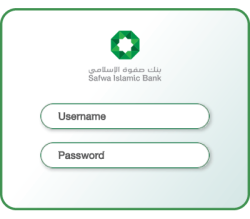
Step 1:
Log in to your Safwa Online account.

Step 2:
Click the Upload Salary option.
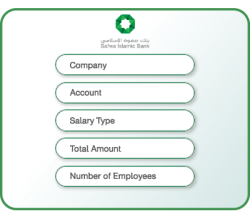
Step 3:
Fill in the details.
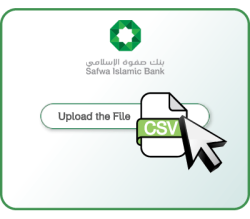
Step 4:
Attached the employees’ salary file.
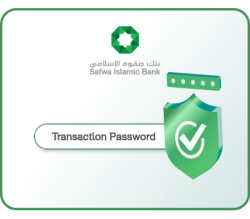
Step 5:
Enter the transaction password.

The task was completed successfully.
Salaries will be credited to employees’ accounts
To obtain the service, register using the following form: